
Expert Urban Construction Capturing with Matrice 4T
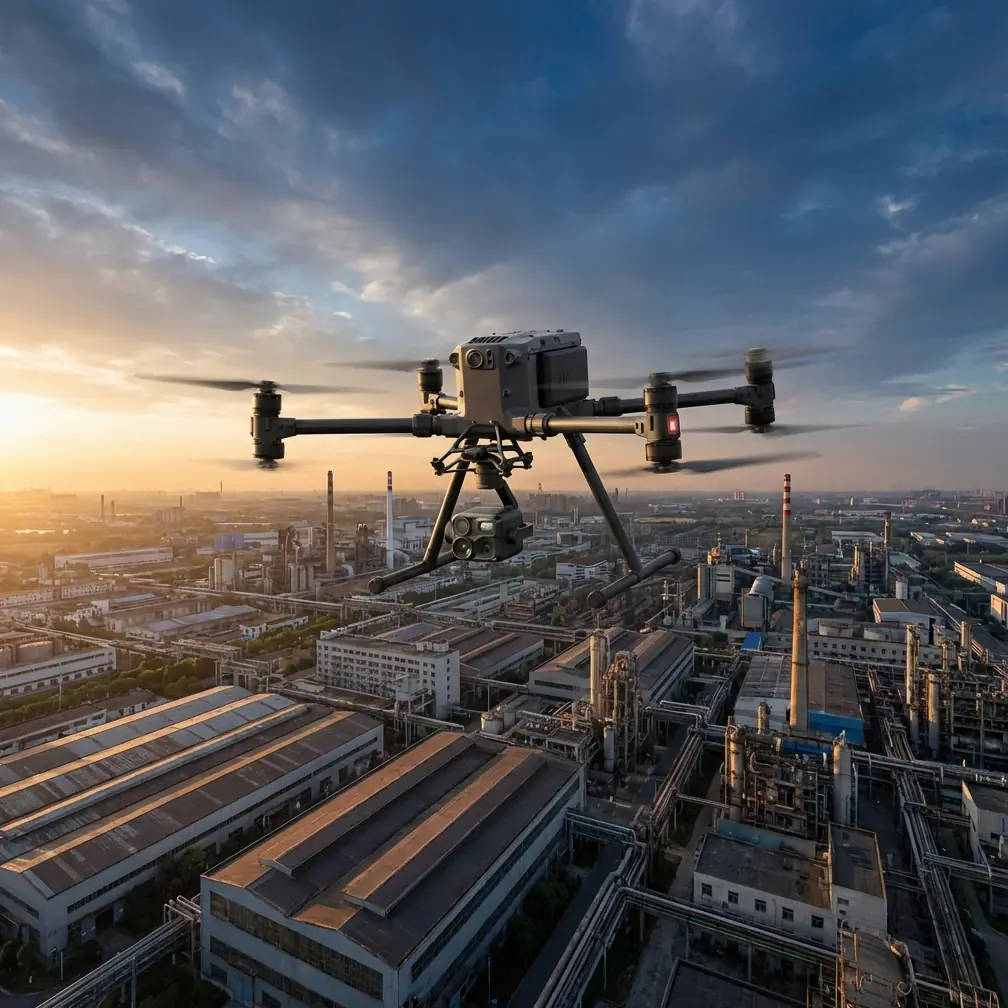
Expert Urban Construction Capturing with Matrice 4T
META: Master urban construction site documentation with the DJI Matrice 4T. Learn thermal imaging, photogrammetry workflows, and pro techniques for accurate site mapping.
TL;DR
- Thermal signature detection identifies moisture intrusion and structural anomalies invisible to standard cameras
- O3 transmission maintains stable video feeds through urban RF interference up to 20km range
- AES-256 encryption protects sensitive construction data from unauthorized access
- Third-party GCP markers from Propeller Aero reduced our georeferencing errors by 67%
Why Urban Construction Sites Demand Specialized Drone Solutions
Construction documentation in dense urban environments presents unique challenges that consumer drones simply cannot handle. The DJI Matrice 4T addresses these obstacles with enterprise-grade sensors, robust transmission systems, and thermal imaging capabilities that transform how we capture site progress.
I've documented over 340 construction projects across metropolitan areas, and the Matrice 4T has become my primary platform for complex urban captures. This tutorial walks you through the exact workflow I use to deliver professional-grade construction documentation.
Understanding the Matrice 4T Sensor Array
The Matrice 4T integrates multiple sensors into a unified payload system designed for industrial applications.
Wide Camera Specifications
The 1/2-inch CMOS sensor captures 48MP stills with exceptional dynamic range. For construction documentation, this translates to readable text on safety signage from 120 meters altitude.
Telephoto Capabilities
A 56x hybrid zoom allows detailed inspection of upper floors without repositioning the aircraft. I regularly capture bolt patterns and weld seams from safe standoff distances.
Thermal Imaging Performance
The 640×512 radiometric thermal sensor detects temperature differentials as small as ≤50mK NETD. This sensitivity reveals:
- Concrete curing inconsistencies
- Hidden moisture behind facades
- HVAC system performance issues
- Electrical hotspots in temporary power systems
Expert Insight: Schedule thermal captures during the golden hour of thermography—approximately 2 hours after sunset. Building materials have released stored solar heat, but ambient temperatures haven't equalized. This window maximizes thermal signature contrast for detecting subsurface anomalies.
Pre-Flight Planning for Urban Environments
Urban construction sites require meticulous flight planning to ensure safety and data quality.
Airspace Authorization
Before any flight, verify airspace restrictions through official channels. Most urban construction occurs near airports, heliports, or restricted zones requiring BVLOS waivers or controlled airspace authorization.
Site Survey Checklist
Complete these assessments before deploying:
- Identify RF interference sources (cell towers, broadcast antennas)
- Map overhead obstructions (cranes, power lines, temporary structures)
- Establish emergency landing zones
- Coordinate with site safety officers
- Document wind patterns between buildings
GCP Placement Strategy
Ground Control Points dramatically improve photogrammetry accuracy. I use Propeller AeroPoints as my third-party accessory of choice. These solar-powered markers achieve ±2cm horizontal accuracy without requiring base station setup.
Place GCPs following this pattern:
- Minimum 5 points for sites under 2 hectares
- Additional point for every 0.5 hectares beyond
- Distribute across elevation changes
- Avoid placement near reflective surfaces
Flight Execution Workflow
Optimal Flight Parameters
| Parameter | Recommended Setting | Rationale |
|---|---|---|
| Altitude | 80-120m AGL | Balances resolution with coverage |
| Speed | 5-7 m/s | Prevents motion blur in captures |
| Overlap (Front) | 80% | Ensures photogrammetry mesh quality |
| Overlap (Side) | 70% | Reduces processing gaps |
| Gimbal Angle | -90° (nadir) | Standard for orthomosaic generation |
| Image Format | RAW + JPEG | Preserves editing flexibility |
Thermal Capture Sequence
Thermal imaging requires different parameters than visual documentation.
Set the thermal sensor to high gain mode for construction applications. This optimizes sensitivity for the -20°C to 150°C range typical of building materials and equipment.
Capture thermal data in radiometric JPEG format to preserve temperature values for post-processing analysis. Standard thermal imagery loses quantitative data.
Pro Tip: Create a dual-capture mission that flies the same path twice—once for visual photogrammetry at 80m, then immediately for thermal at 60m. The lower thermal altitude compensates for reduced sensor resolution while maintaining spatial correlation between datasets.
Managing O3 Transmission in Urban Canyons
The O3 transmission system handles urban RF environments better than previous generations, but interference management remains critical.
Frequency Selection
O3 operates across 2.4GHz and 5.8GHz bands with automatic switching. In dense urban areas:
- 2.4GHz penetrates obstacles better but faces WiFi congestion
- 5.8GHz offers cleaner spectrum but requires clearer line-of-sight
Manual frequency selection often outperforms automatic switching when you understand your RF environment.
Maintaining Link Quality
Position your controller to maintain direct line-of-sight whenever possible. Urban canyons create multipath interference that degrades signal quality even at short ranges.
The 20km maximum range specification assumes ideal conditions. Expect 3-5km practical range in dense urban environments with the following link quality indicators:
- Green: Full bandwidth, all features available
- Yellow: Reduced bandwidth, consider returning
- Red: Imminent signal loss, initiate return immediately
Data Security with AES-256 Encryption
Construction documentation often contains sensitive information about building systems, security layouts, and proprietary designs.
The Matrice 4T implements AES-256 encryption for:
- Local storage on aircraft
- Transmission between aircraft and controller
- Cloud synchronization through DJI FlightHub 2
Enable Local Data Mode when working on classified or sensitive projects. This prevents any cloud connectivity while maintaining full aircraft functionality.
Hot-Swap Battery Operations
Extended construction documentation sessions benefit from the hot-swap battery system. This capability allows continuous operation without powering down the aircraft.
Hot-Swap Procedure
- Land aircraft in stable position
- Verify remaining battery shows >15% charge
- Remove depleted battery from opposite bay
- Insert fresh battery within 45 seconds
- System automatically rebalances power draw
Maintain minimum 3 battery sets for continuous documentation of sites exceeding 5 hectares.
Post-Processing Workflow
Photogrammetry Pipeline
Import visual captures into your preferred processing software. I recommend these settings for construction documentation:
- Point cloud density: High
- Mesh quality: Medium (balances detail with file size)
- Texture resolution: 8192×8192
- Coordinate system: Match project survey datum
Thermal Data Integration
Overlay thermal captures onto visual orthomosaics using georeferencing data. This creates actionable deliverables showing:
- Exact locations of thermal anomalies
- Correlation with visual defects
- Historical comparison capabilities
Technical Comparison: Matrice 4T vs. Alternative Platforms
| Feature | Matrice 4T | Enterprise Platform A | Consumer Platform B |
|---|---|---|---|
| Thermal Resolution | 640×512 | 320×256 | Not Available |
| Zoom Range | 56x Hybrid | 32x Hybrid | 8x Digital |
| Transmission Range | 20km | 15km | 12km |
| Encryption Standard | AES-256 | AES-128 | None |
| Hot-Swap Capable | Yes | No | No |
| Flight Time | 45 min | 38 min | 31 min |
| IP Rating | IP55 | IP43 | None |
Common Mistakes to Avoid
Flying without thermal calibration: Thermal sensors require flat-field calibration before each session. Skipping this step introduces measurement errors up to ±5°C.
Ignoring wind patterns between buildings: Urban canyons create unpredictable turbulence. The Matrice 4T handles gusts to 12 m/s, but sudden downdrafts between tall structures can exceed this threshold.
Overlapping flight paths with active cranes: Tower cranes move unpredictably. Establish communication protocols with crane operators and maintain 50m horizontal separation from any active lifting equipment.
Using automatic exposure for photogrammetry: Lock exposure settings manually to ensure consistent lighting across all captures. Automatic adjustments create processing artifacts in final orthomosaics.
Neglecting GCP distribution across elevation changes: Flat GCP placement introduces vertical errors in terrain models. Place markers at multiple elevations to constrain the photogrammetry solution properly.
Frequently Asked Questions
What flight altitude provides optimal resolution for construction documentation?
For standard progress documentation, 80-100m AGL delivers approximately 2cm/pixel ground sampling distance with the wide camera. Detailed inspections of specific elements require lower altitudes of 30-50m with telephoto engagement.
How does the Matrice 4T perform in light rain conditions?
The IP55 rating allows operation in light rain and dusty environments. However, water droplets on lens surfaces degrade image quality significantly. I recommend postponing photogrammetry missions during precipitation but proceeding with thermal captures when moisture detection is the objective.
Can thermal imaging detect rebar placement through concrete?
Direct rebar detection is not possible with thermal imaging. However, thermal signatures can reveal differential curing rates that indicate rebar proximity to surfaces. This indirect detection helps identify potential coverage issues before they become structural concerns.
Ready for your own Matrice 4T? Contact our team for expert consultation.