
Matrice 4T Forest Capture: Low-Light Best Practices
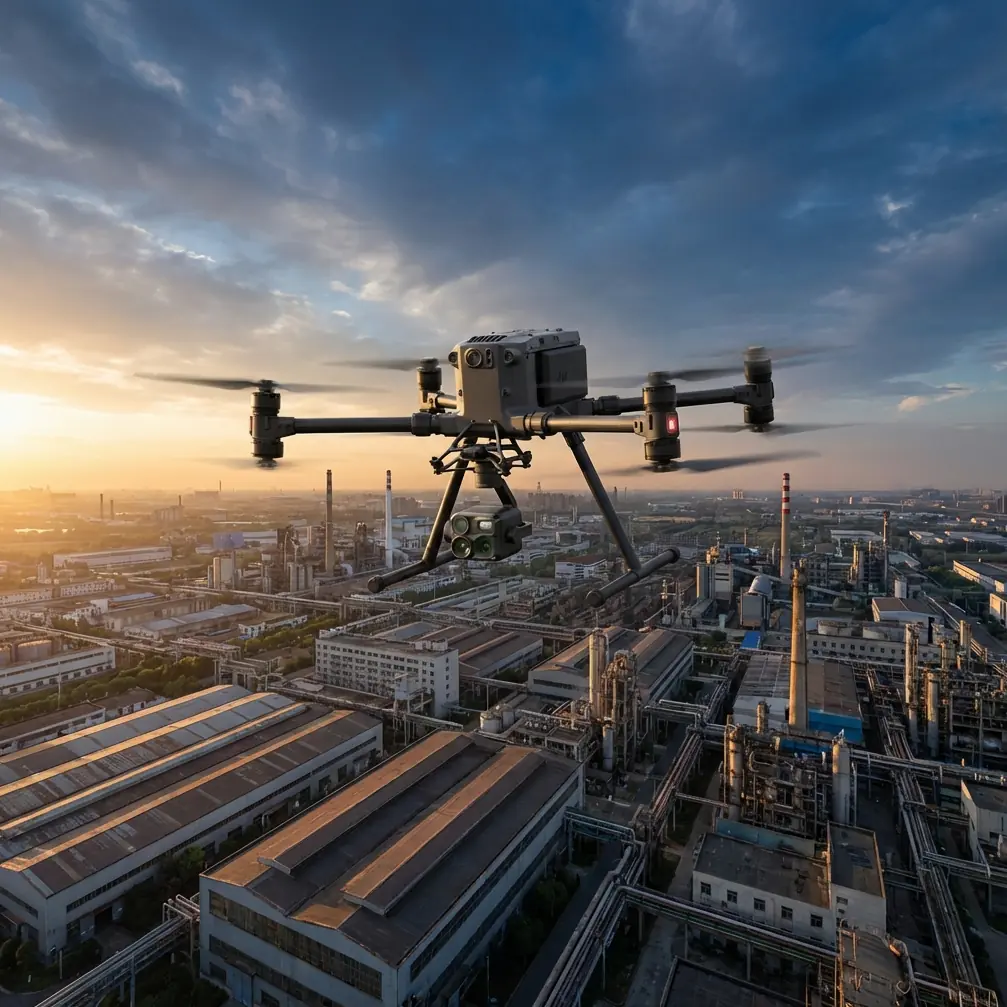
Matrice 4T Forest Capture: Low-Light Best Practices
META: Learn how to capture detailed forest imagery in low light with the DJI Matrice 4T. Expert tutorial covers thermal, photogrammetry, and battery tips for field success.
By Dr. Lisa Wang, Remote Sensing Specialist | Updated June 2025
TL;DR
- The Matrice 4T's multi-sensor payload excels at forest data capture in low-light and canopy-dense environments when configured correctly.
- Proper thermal signature calibration and exposure settings prevent the washed-out imagery that plagues most twilight forest missions.
- A disciplined hot-swap battery rotation strategy can extend your operational window by up to 60% during short winter daylight hours.
- Ground control points (GCP) and optimized photogrammetry workflows turn raw captures into research-grade 3D forest models.
Why Low-Light Forest Capture Is So Demanding
Forest canopy work at dawn, dusk, or under heavy cloud cover pushes most commercial drones past their limits. Reduced ambient light collapses dynamic range, dense tree cover fragments GPS lock, and battery performance drops in the cool temperatures that accompany these conditions. The DJI Matrice 4T was engineered to handle exactly this convergence of challenges—but only if you configure it with intention.
This tutorial walks you through every critical setting, flight pattern, and field protocol needed to extract high-fidelity forest data when the light isn't cooperating. Whether you're conducting ecological surveys, wildfire damage assessments, or timber inventory flights, these practices translate directly to cleaner datasets and fewer re-flights.
Understanding the Matrice 4T Sensor Suite for Forest Work
The Matrice 4T integrates four sensors into a single gimbal-stabilized payload:
- Wide-angle RGB camera — 1/1.3" CMOS sensor with a large pixel pitch that pulls in more light per frame
- Zoom camera — up to 56× hybrid zoom for isolating canopy details without descending into rotor wash range
- Thermal infrared camera — 640 × 512 resolution radiometric sensor for detecting thermal signature variations across tree crowns
- Laser rangefinder — 1200 m range for precise altitude-above-canopy measurements
Choosing the Right Sensor Mode for Your Objective
Not every forest mission demands all four sensors firing simultaneously. Selecting the right mode conserves storage, reduces processing time, and preserves battery life.
| Objective | Primary Sensor | Secondary Sensor | Recommended Mode |
|---|---|---|---|
| Canopy health mapping | RGB wide | Thermal IR | Split-screen overlay |
| Wildlife thermal survey | Thermal IR | Zoom | PIP (picture-in-picture) |
| Timber volume estimation | RGB wide | Laser rangefinder | Photogrammetry grid |
| Post-fire damage assessment | Thermal IR | RGB wide | Full quad-sensor capture |
| Invasive species detection | Zoom | Thermal IR | Manual spot inspection |
Expert Insight: During low-light canopy health mapping, I default to the split-screen overlay between RGB and thermal. The thermal signature data compensates for the detail you lose in the visible spectrum as light fades—stressed trees still radiate differently from healthy ones regardless of ambient illumination.
Camera and Exposure Settings for Low-Light Forests
Auto exposure modes on any drone struggle under forest canopies at twilight. The contrast between dark trunks and bright sky gaps causes constant exposure hunting. Manual control is non-negotiable.
RGB Camera Configuration
- ISO: Start at ISO 400 and increase to ISO 800 only if shutter speed drops below 1/120 s. Beyond ISO 1600, noise degrades photogrammetry point-cloud accuracy.
- Shutter Speed: Keep at 1/120 s minimum for motion blur-free frames during mapping flights at 5 m/s ground speed.
- Aperture: The wide camera operates at f/2.8—use this to your advantage. It gathers roughly double the light of an f/4 lens.
- White Balance: Lock to 5500K. Auto white balance shifts between frames will create color inconsistencies across your photogrammetry orthomosaic.
- File Format: Shoot RAW (DNG). JPEG compression in shadow-heavy forest scenes introduces banding artifacts that cannot be recovered.
Thermal Camera Configuration
- Gain Mode: Use High Gain for ecological and vegetation work (temperature range -40°C to 150°C with higher sensitivity).
- Palette: White Hot for print-ready deliverables; Ironbow for on-screen field analysis.
- Isotherm: Enable a custom isotherm band between 18°C and 25°C to instantly highlight canopy zones with abnormal thermal signatures—often the first indicator of disease, moisture stress, or hidden animal presence.
Flight Planning: Photogrammetry Grid Over Dense Canopy
Accurate photogrammetry over forests requires tighter overlap than open-terrain missions. Gaps between tree crowns create matching failures in structure-from-motion algorithms.
Recommended Parameters
- Front overlap: 85% (compared to the standard 75% for open land)
- Side overlap: 80%
- Flight altitude: 80–120 m AGL—high enough for consistent GSD but low enough for thermal resolution
- Ground speed: 4–5 m/s to maintain sharp frames at low-light shutter speeds
- GCP placement: Deploy a minimum of 5 GCPs around the survey perimeter. Under canopy, use reflective GCP targets that are detectable in both RGB and thermal channels.
O3 Transmission and Link Management
The Matrice 4T's O3 Enterprise transmission system maintains a stable video feed at up to 20 km line-of-sight. Under dense canopy corridors, however, multipath interference can reduce effective range.
- Position the pilot station on elevated ground or a vehicle rooftop.
- Keep the drone above the canopy crown line during transits—dipping below introduces signal attenuation.
- For BVLOS forest corridors, establish a relay point or use the DJI Dock 2 for automated beyond-visual-line-of-sight missions with real-time telemetry.
The Battery Management Strategy That Changed My Field Work
Early in my forest survey career, I lost an entire evening's golden hour because I followed the naive approach: fly until the battery warning, land, swap, recalibrate, relaunch. By the time the second battery was airborne, the light had shifted enough to create a visible seam in my orthomosaic.
Here's the protocol I now follow religiously with the Matrice 4T's hot-swap battery system:
- Pre-warm all batteries to at least 25°C before the mission. Cold forest mornings can drop cell voltage below nominal, triggering premature low-battery returns. I keep spares inside an insulated bag with chemical hand warmers.
- Swap at 35% remaining, not at the 20% warning. This gives you a controlled, unhurried landing and keeps the drone in a GPS-locked hover while you physically exchange packs.
- Cycle three battery pairs in rotation: one flying, one cooling post-flight, one pre-warming. This rotation eliminates downtime and extends a single-session operational window from roughly 40 minutes to over 100 minutes.
- Log cycle counts on each pack. After 200 cycles, internal resistance increases enough to reduce effective flight time by 8–12%—plan accordingly.
Pro Tip: Label each battery pair with colored tape and track them in a simple spreadsheet. Mismatched pairs with different cycle counts can cause mid-flight voltage imbalance warnings that force an automatic return-to-home at the worst possible moment.
Data Security in the Field
Forest research data—especially thermal wildlife surveys and government-contracted timber assessments—often falls under strict data handling requirements. The Matrice 4T encrypts all onboard storage with AES-256 encryption, ensuring that a lost SD card doesn't become a data breach.
- Enable local data mode in DJI Pilot 2 to prevent any telemetry upload during the flight.
- Use the encrypted microSD slot and set a recovery passphrase before each deployment.
- For multi-operator teams, assign individual pilot profiles to maintain chain-of-custody logs.
Common Mistakes to Avoid
- Flying too low over canopy: Rotor downwash at altitudes below 30 m physically moves branches and leaves, creating motion blur and inconsistent thermal readings across overlapping frames.
- Ignoring the laser rangefinder for AGL: Barometric altitude means nothing over uneven terrain. Use the onboard laser rangefinder to maintain true altitude above the canopy surface, not above the takeoff point.
- Using JPEG for photogrammetry: Compressed files discard shadow detail that photogrammetry software needs for tie-point generation under low-contrast forest conditions.
- Skipping GCPs because the terrain is "flat enough": Forest floors are never flat. Without GCPs, your elevation model can drift by 2–5 m vertically—enough to invalidate timber volume calculations.
- Neglecting thermal calibration: The thermal sensor requires a flat-field calibration (FFC) shutter cycle every 5–7 minutes. If you disable the auto-FFC to avoid brief image freezes, your thermal signature data will develop a non-uniformity gradient across the frame.
Frequently Asked Questions
Can the Matrice 4T capture usable RGB imagery after sunset?
Usable is relative. The 1/1.3" sensor at f/2.8 can produce navigable imagery up to about 30 minutes after sunset at ISO 1600, but noise levels make this data unsuitable for photogrammetry. For post-sunset work, shift entirely to the thermal sensor—thermal signature data is completely independent of visible light.
How many GCPs do I need for a 200-hectare forest photogrammetry mission?
For a 200-hectare block, deploy a minimum of 8–10 GCPs distributed around the perimeter and at least 2 internal points along access roads or clearings. Each GCP should be surveyed with RTK-grade GNSS to achieve sub-5 cm horizontal accuracy in the final orthomosaic.
Is the Matrice 4T approved for BVLOS forest operations?
The hardware supports BVLOS flight with its O3 transmission range, ADS-B receiver, and compatibility with DJI FlightHub 2 fleet management. However, BVLOS authorization is a regulatory approval, not a hardware feature. In most jurisdictions, you'll need a specific waiver or exemption from your national aviation authority. The Matrice 4T's detect-and-avoid telemetry logs and encrypted flight records significantly strengthen waiver applications.
Ready for your own Matrice 4T? Contact our team for expert consultation.