
Matrice 4T Low-Light Inspection Best Practices
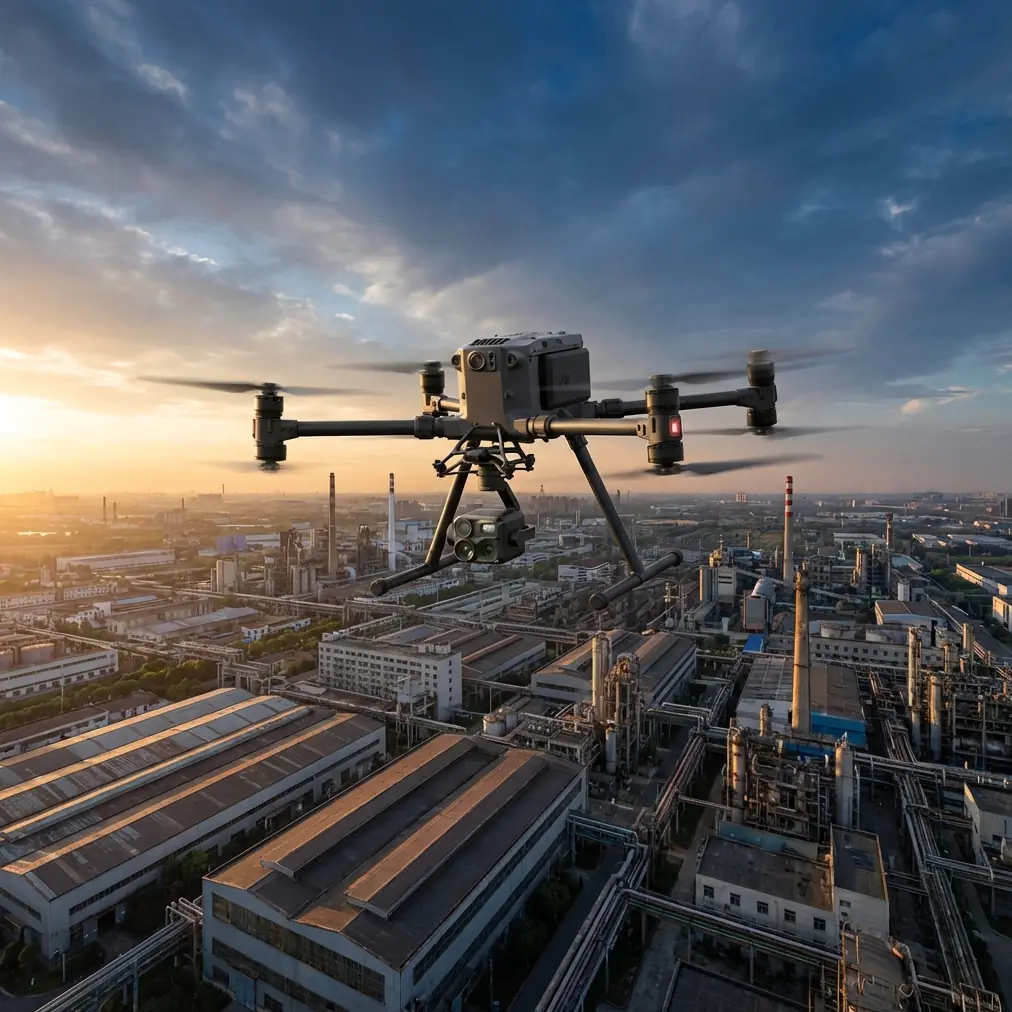
Matrice 4T Low-Light Inspection Best Practices
META: Master low-light venue inspections with the DJI Matrice 4T. Expert guide covers thermal imaging, antenna positioning, and proven techniques for accurate results.
By James Mitchell | Drone Inspection Specialist & Certified Thermographer
TL;DR
- The Matrice 4T combines a wide-angle thermal sensor, zoom camera, and laser rangefinder into one platform purpose-built for low-light and nighttime venue inspections.
- Proper antenna positioning is the single most overlooked factor in maintaining reliable O3 transmission range during complex structural scans.
- Leveraging split-screen thermal and visual feeds eliminates the guesswork when identifying thermal signatures across roofing, electrical, and HVAC systems in dimly lit environments.
- A disciplined GCP workflow and structured flight plan will produce photogrammetry outputs accurate enough for engineering-grade deliverables.
Why Low-Light Venue Inspections Demand a Multi-Sensor Approach
Low-light venue inspections—stadiums, concert halls, convention centers, parking structures—present a unique cocktail of challenges. Ambient lighting is inconsistent. Structural geometry is complex. And clients expect deliverables that are precise enough to guide maintenance decisions worth six figures.
Single-sensor drones simply cannot handle this scope. You need simultaneous thermal imaging to detect moisture intrusion, electrical faults, and insulation gaps alongside high-resolution visual data for context. The Matrice 4T was engineered from the ground up for exactly this dual-need workflow.
This technical review breaks down the hardware capabilities, optimal configuration settings, antenna strategies for maximum O3 transmission range, and the real-world workflow I use to deliver inspection reports that clients trust.
Matrice 4T Sensor Suite: Built for the Dark
The Matrice 4T integrates three critical sensors into a single gimbal payload, eliminating the need for mid-mission sensor swaps and dramatically reducing time on site.
Thermal Imaging Performance
The uncooled VOx thermal sensor captures thermal signature data at a resolution of 640 × 512 pixels with a NETD of ≤30 mK. In practical terms, that sensitivity level means you can detect a temperature differential as small as 0.03°C—enough to identify early-stage electrical hot spots in a venue's distribution panel from 15 meters away.
For low-light work, thermal becomes your primary navigation and detection layer. I configure the palette to Ironbow for initial sweeps because it offers the widest perceptual contrast range for human operators, then switch to White Hot for documentation frames that translate better into client reports.
Visual and Zoom Cameras
The wide-angle visual camera (12 MP, 1/2" CMOS) handles context imagery even in challenging lighting thanks to a capable low-light sensor. The zoom camera extends to 56× hybrid zoom, which lets you inspect high-mounted HVAC units, lighting rigs, and roof membrane seams without flying dangerously close to structure.
Laser Rangefinder
The integrated laser rangefinder measures distance to targets up to 1,200 meters with ±0.2 m accuracy. During venue inspections, I use this constantly to tag anomaly locations with precise coordinates and distances—data that feeds directly into the photogrammetry model later.
Antenna Positioning: The Range Multiplier Nobody Talks About
Here is the advice that will save your mission. The Matrice 4T uses DJI's O3 Enterprise transmission system, capable of 20 km max transmission range in ideal conditions. But "ideal conditions" don't exist inside or around steel-and-concrete venues.
The Physics of Signal Loss
Venue environments are RF nightmares. Steel framing, reinforced concrete walls, LED video boards, and broadcast equipment all create multipath interference and signal attenuation. I've seen pilots lose video feed at 200 meters in a stadium that should have supported 2+ km of range—purely because of antenna orientation.
Optimal Antenna Configuration
Follow these rules every single time:
- Keep the controller antennas perpendicular to the drone's position—the flat face of each antenna should "look at" the aircraft.
- Never let both antennas point directly at the drone tip-first; this presents the weakest radiation pattern.
- Elevate the controller using a tripod or elevated platform so the signal path clears ground-level obstructions like seating rows and barriers.
- Position yourself outside the venue structure when possible, with a clear line of sight through an opening (loading dock door, open retractable roof section).
- Avoid standing near large metal surfaces like equipment trucks or scaffolding, which create reflective interference patterns.
Pro Tip: Before every venue inspection, I run a signal mapping sweep. Fly the Matrice 4T in a slow grid at operating altitude while monitoring the O3 signal strength indicator on the controller. Mark any zones where signal drops below 70% and plan your automated flight paths to transit those zones quickly rather than hover in them.
Flight Planning and GCP Workflow for Photogrammetry
Thermal overlays are powerful on their own, but clients increasingly demand photogrammetry-grade 3D models with embedded thermal data. The Matrice 4T supports this—if you set up properly.
Ground Control Points in Venue Environments
Place a minimum of 5 GCPs across the inspection area, measured with an RTK GNSS receiver to ±2 cm accuracy. In venue settings, I distribute them as follows:
- 2 GCPs on the ground-level floor or field surface
- 2 GCPs on elevated structures (mounted on upper concourse railings or press box exteriors using magnetic targets)
- 1 GCP at the highest accessible roof point
This vertical distribution is critical. Venue inspections involve massive elevation changes—sometimes 50+ meters from field level to roof peak—and GCPs clustered at a single elevation will produce warped vertical accuracy in the final model.
Flight Pattern for Low-Light Conditions
| Parameter | Recommended Setting | Why |
|---|---|---|
| Flight Speed | 3–5 m/s | Slower speed reduces motion blur in low light |
| Overlap (Front) | 80% | Ensures photogrammetry stitching accuracy |
| Overlap (Side) | 70% | Sufficient for multi-angle reconstruction |
| Altitude (AGL) | 15–25 m for roofs; 8–12 m for walls | Balances GSD with thermal detection range |
| Gimbal Angle | -90° (nadir) for roofs; -45° for façades | Matches surface orientation for optimal data |
| Thermal Capture Interval | Every 2 seconds | Matches visual capture cadence for alignment |
| ISO (Visual Camera) | Auto, capped at 1600 | Prevents excessive noise in dim conditions |
Expert Insight: When inspecting venues at night or in extreme low light, I switch the visual camera to Auto ISO with a cap of 1600 and reduce shutter speed to 1/120s minimum. Going below 1/120s introduces gimbal-stabilization artifacts that degrade photogrammetry alignment. If the images are still too dark, increase altitude slightly to reduce GSD demand rather than pushing ISO into noisy territory. Your thermal layer will carry the diagnostic weight—the visual layer just needs to be recognizable, not portfolio-quality.
Data Security and Transmission Integrity
Venue inspections often involve sensitive client infrastructure. The Matrice 4T encrypts all data transmission and storage with AES-256 encryption, which is the same standard used by financial institutions and defense agencies. This matters when your thermal data reveals security vulnerabilities in a venue's infrastructure—information that cannot leak.
All imagery stored on the onboard SSD is also encrypted at rest. I recommend enabling Local Data Mode on the DJI Pilot 2 app during any inspection involving government buildings, critical infrastructure venues, or clients with strict data governance policies.
Battery Strategy and Hot-Swap Efficiency
A full venue inspection typically requires 3–5 battery cycles depending on venue size. The Matrice 4T supports hot-swap batteries, meaning you can replace depleted cells without powering down the aircraft's core systems. This preserves your RTK positioning lock, mission progress, and sensor calibration state.
Battery Best Practices for Low-Light Operations
- Pre-warm batteries to at least 25°C before flight if inspecting during cold evening hours; thermal performance degrades below 15°C.
- Land at 25% remaining capacity, not the minimum 15%—cold temperatures accelerate voltage sag under load.
- Carry a minimum of 6 batteries per venue to avoid pressure to rush flights.
- Label batteries sequentially and log cycle counts; inconsistent cells cause mid-flight warnings that interrupt automated paths.
BVLOS Considerations for Large Venue Scans
Many large-venue inspections push the aircraft beyond visual line of sight, particularly when scanning the far side of a stadium roof or the interior of a domed arena. Operating BVLOS requires specific regulatory approval in most jurisdictions.
Before planning any BVLOS venue inspection, confirm that your operation holds the appropriate waiver or exemption, establish a visual observer network at key vantage points, and verify that the O3 transmission link maintains at least 60% signal strength throughout the planned flight envelope. The signal mapping sweep described earlier is not optional for BVLOS—it is a regulatory and safety prerequisite.
Common Mistakes to Avoid
- Skipping the pre-flight thermal calibration: The Matrice 4T performs a flat-field correction on startup, but temperature drift after 20 minutes of flight can introduce measurement error. Land and recalibrate the thermal sensor between battery swaps.
- Flying too fast for thermal data: Thermal sensors have slower frame rates than visual cameras. Exceeding 5 m/s during thermal capture flights causes smearing that makes anomaly measurement unreliable.
- Ignoring reflected thermal signatures: Glass façades, polished metal roofing, and wet surfaces produce thermal reflections that mimic hot spots. Always cross-reference thermal anomalies with the zoom visual camera before logging them as defects.
- Poor GCP distribution: Placing all ground control points at ground level produces accurate horizontal models with catastrophic vertical error. Always distribute GCPs across the full elevation range of the structure.
- Neglecting antenna orientation mid-mission: As the drone moves around a venue, your antenna-to-aircraft geometry changes constantly. Assign a team member to monitor signal strength and physically reorient the controller antennas throughout the flight.
Frequently Asked Questions
Can the Matrice 4T detect moisture intrusion in venue roofing systems at night?
Yes—and nighttime is actually the optimal time. After sunset, the roof surface cools, but trapped moisture retains heat significantly longer than dry materials. This creates a thermal signature contrast of 2–5°C that the Matrice 4T's ≤30 mK sensitivity detects easily. Schedule thermal roof scans 2–3 hours after sunset for the clearest moisture mapping results.
How does the O3 transmission system handle interference inside steel-framed venues?
The O3 Enterprise system uses dual-band frequency hopping across 2.4 GHz and 5.8 GHz to maintain connection in high-interference environments. It automatically selects the cleanest channel in real time. That said, steel framing still attenuates signal—expect effective range reductions of 40–60% compared to open-air specs. The antenna positioning strategies outlined above are essential for maintaining a stable link.
What photogrammetry software best processes combined thermal-visual datasets from the Matrice 4T?
I use DJI Terra for initial processing because it natively handles the Matrice 4T's dual-sensor metadata alignment. For advanced photogrammetry outputs—point clouds, orthomosaics with thermal overlays—Pix4Dmapper and Agisoft Metashape Professional both support radiometric thermal data import. Ensure you export thermal images in R-JPEG format to preserve calibrated temperature values through the processing pipeline.
Ready for your own Matrice 4T? Contact our team for expert consultation.