
M4T for Venue Mapping in Low Light: Expert Guide
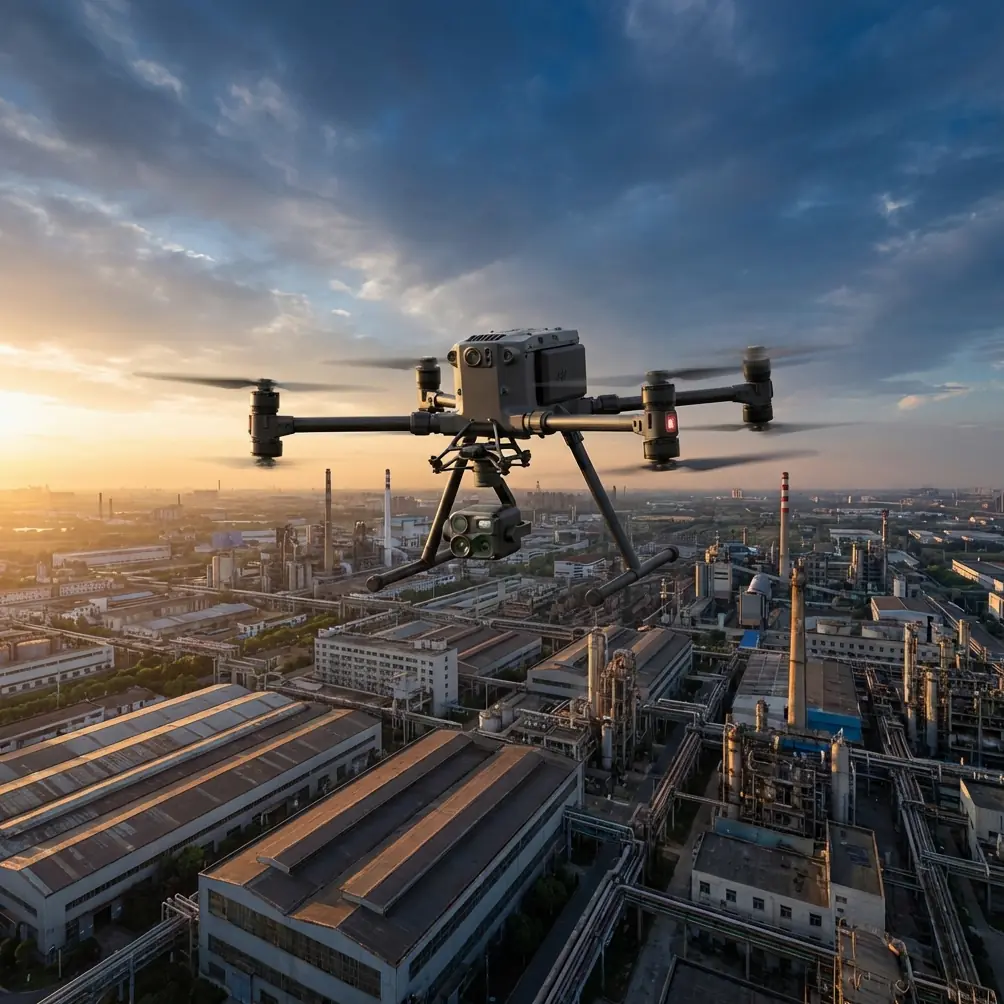
M4T for Venue Mapping in Low Light: Expert Guide
META: Master low-light venue mapping with the Matrice 4T. Learn thermal workflows, camera settings, and expert techniques for accurate results in challenging conditions.
TL;DR
- The Matrice 4T's 60MP wide camera and 640×512 thermal sensor enable accurate venue mapping when natural light fails
- Split-thermal imaging allows simultaneous visible and infrared data capture for comprehensive site documentation
- O3 transmission maintains 20km video feed stability even in RF-congested stadium environments
- Hot-swap batteries eliminate mission interruptions during time-sensitive evening mapping operations
The Low-Light Venue Mapping Challenge
Venue mapping projects rarely happen on your schedule. Event facilities, stadiums, and outdoor amphitheaters often restrict drone access to narrow windows—typically early morning or late evening when operations won't disrupt activities. These conditions create significant obstacles for photogrammetry workflows that depend on consistent lighting.
The Matrice 4T addresses these constraints through integrated thermal imaging and enhanced low-light camera performance. This guide breaks down the specific techniques, settings, and workflows that deliver survey-grade results when ambient light works against you.
Understanding Low-Light Photogrammetry Requirements
Traditional photogrammetry relies on visible light to identify matching features across overlapping images. When illumination drops below optimal levels, software struggles to find tie points, resulting in sparse point clouds and dimensional inaccuracies.
Successful low-light mapping requires:
- Sensor sensitivity capable of capturing detail without excessive noise
- Thermal data to supplement visible spectrum information
- Stable positioning for longer exposure times
- Reliable transmission to monitor image quality in real-time
The M4T's sensor suite combines a 1/1.3-inch CMOS for the wide camera with an uncooled VOx thermal sensor. This pairing captures both reflected light and emitted thermal signatures, giving photogrammetry software additional data layers for feature matching.
Expert Insight: Thermal signatures from venue infrastructure—HVAC systems, electrical panels, recently occupied seating—create consistent reference points that visible-light cameras miss entirely in low-light conditions. I've recovered otherwise unusable datasets by incorporating thermal overlays into my processing workflow.
Hardware Configuration for Evening Operations
Camera System Setup
The M4T offers four imaging options through its gimbal-mounted payload:
| Camera | Sensor | Best Use Case | Low-Light Performance |
|---|---|---|---|
| Wide | 60MP Full-Frame Equivalent | Primary mapping | Excellent with ISO adjustment |
| Medium Tele | 48MP | Detail capture | Good with stabilization |
| Thermal | 640×512 | Heat signature overlay | Native capability |
| Laser Rangefinder | 1200m range | GCP validation | Light-independent |
For venue mapping, the wide camera serves as your primary data source. Set the capture mode to timed interval rather than distance-based triggering—this ensures consistent exposure across varying flight speeds as you navigate around structures.
Transmission and Monitoring
Stadium environments present unique RF challenges. Concrete structures, metal frameworks, and existing wireless infrastructure create interference patterns that degrade video feeds.
O3 transmission technology addresses this through:
- Triple-channel frequency hopping that avoids congested bands
- AES-256 encryption protecting your data stream
- Auto-switching between 2.4GHz and 5.8GHz based on conditions
During a recent amphitheater mapping project, I maintained consistent 1080p/60fps feed quality while flying behind a 40-meter concrete stage structure. Previous-generation transmission systems would have required repositioning the controller multiple times.
Flight Planning for Thermal-Enhanced Mapping
GCP Placement Strategy
Ground Control Points require modification for low-light thermal workflows. Standard black-and-white checkerboard targets become difficult to identify as visible light diminishes.
Effective alternatives include:
- Reflective survey targets that respond to the M4T's obstacle avoidance lighting
- Thermal emitters (hand warmers secured to standard GCP boards)
- LED-marked points with known coordinates
- Existing infrastructure with surveyed positions (manhole covers retain heat signatures)
Place a minimum of 5 GCPs for venues under 10 hectares, adding 2 additional points for each 5 hectares beyond that threshold.
Mission Parameters
Configure your flight plan with these low-light-specific adjustments:
- Altitude: 80-100 meters AGL for stadium-scale venues
- Overlap: Increase to 80% frontal, 75% side (up from standard 70/65)
- Speed: Reduce to 5-7 m/s to accommodate longer exposures
- Gimbal angle: -80 degrees for primary passes, -45 degrees for facade detail
Pro Tip: Schedule your mission to begin 45 minutes before your target lighting condition. This buffer accounts for setup, GCP verification, and the inevitable delays that venue access creates. Running hot-swap batteries means you won't lose momentum if the first battery depletes during calibration.
Real-World Application: Stadium Mapping Under Changing Conditions
A recent project illustrates how the M4T handles unpredictable low-light scenarios. The assignment involved mapping a 35,000-seat outdoor stadium for renovation planning, with site access limited to a 3-hour evening window.
Initial Conditions
Operations began at 18:30 with partly cloudy skies and adequate ambient light. The flight plan called for 4 systematic passes at varying altitudes, followed by 2 oblique circuits for facade documentation.
The first two passes proceeded normally, capturing 847 images with the wide camera while simultaneously recording thermal data. Point cloud preview on the controller showed dense coverage across the seating bowl and field area.
Weather Disruption
Midway through the third pass, cloud cover thickened significantly. Light levels dropped faster than anticipated, and the visible-spectrum preview showed increasing noise in shadow areas beneath the upper deck overhang.
Rather than abort the mission, I activated split-screen thermal overlay on the controller. The M4T's thermal sensor revealed clear structural definition that the wide camera was struggling to capture. I adjusted the workflow:
- Switched to manual exposure with ISO 1600 and 1/120 shutter
- Enabled thermal-visible fusion recording
- Reduced flight speed to 4 m/s for the remaining passes
The thermal data captured consistent signatures from the stadium's radiant heating system embedded in the concrete structure. These heat patterns provided photogrammetry software with reliable tie points that compensated for the degraded visible-light imagery.
Results
Post-processing in specialized photogrammetry software produced a point cloud with 2.3cm accuracy across 94% of the venue footprint. The thermal overlay data rescued approximately 12% of the coverage area that would have been unusable with visible-spectrum data alone.
Total flight time: 67 minutes across 3 battery cycles using hot-swap technique.
Processing Thermal-Enhanced Datasets
Software Workflow
Not all photogrammetry platforms handle thermal data equally. For venue mapping projects, prioritize software that supports:
- Multi-spectral alignment between thermal and visible captures
- Radiometric temperature data preservation
- Custom band weighting for tie point detection
Import thermal images as a separate layer rather than attempting to process them as standard RGB data. The 640×512 resolution won't match your 60MP visible captures, but the software can use thermal features to validate and strengthen the visible-light point cloud.
Quality Validation
Check these metrics before delivering venue mapping data:
- Reprojection error: Target below 0.5 pixels
- GCP residuals: Maximum 3cm horizontal, 5cm vertical
- Point density: Minimum 100 points/m² for planning-grade deliverables
- Coverage gaps: Flag any areas exceeding 2m² without data
Common Mistakes to Avoid
Ignoring thermal calibration drift: The M4T's thermal sensor requires 15 minutes of operation before readings stabilize. Launch early and let the system reach thermal equilibrium before capturing mapping data.
Over-relying on automatic exposure: Auto settings chase changing light conditions, creating inconsistent data across your capture area. Lock exposure manually once you've established baseline settings for your lighting environment.
Insufficient overlap in complex geometry: Stadium seating, stage rigging, and architectural features create occlusion patterns that standard overlap percentages don't accommodate. Increase overlap by 10% beyond textbook recommendations for venues with significant vertical complexity.
Neglecting BVLOS considerations: Large venue mapping often requires flight paths that exceed visual line of sight. Verify your operational approvals cover the entire mission area before launch, and maintain spotter communication throughout.
Processing thermal and visible data at identical settings: These sensor types require different alignment parameters. Process them separately first, then merge the resulting point clouds using surveyed control points as registration targets.
Frequently Asked Questions
Can the Matrice 4T map venues in complete darkness?
The thermal sensor operates independently of visible light, capturing usable data in zero-lux conditions. The wide camera requires some ambient illumination for photogrammetry-quality results. For completely dark environments, consider supplemental lighting or thermal-only workflows that sacrifice RGB texture for geometric accuracy.
How does weather affect thermal mapping accuracy?
Rain degrades thermal imaging significantly—water on surfaces masks underlying heat signatures. Wind has minimal direct impact on thermal capture but affects flight stability during the longer exposures low-light conditions require. The M4T's 12 m/s wind resistance rating provides adequate margin for most venue mapping scenarios.
What file formats does the M4T output for thermal data?
Thermal captures save as R-JPEG files containing radiometric temperature data alongside the visual image. This format preserves actual temperature values at each pixel, enabling post-processing analysis beyond simple visual interpretation. Standard JPEG and DNG options remain available for the visible-spectrum cameras.
Maximizing Your Low-Light Mapping Investment
The Matrice 4T transforms challenging venue mapping assignments from high-risk propositions into manageable workflows. Its thermal integration, transmission reliability, and sensor performance address the specific obstacles that evening and early-morning operations present.
Success depends on preparation: calibrate your thermal sensor, plan for weather contingencies, and configure your processing pipeline before arriving on site. The technology handles the difficult parts—capturing usable data when conditions work against you.
Ready for your own Matrice 4T? Contact our team for expert consultation.